











Most HR teams already have employee data. The problem is that it lives in scattered places: engagement surveys, performance reviews, HRIS platforms, payroll reports, spreadsheets, and dashboards that nobody checks regularly.
That's why HR leaders struggle to answer basic workforce questions: Why are employees leaving? Which teams are disengaged? Where are skills gaps growing? Are managers acting on feedback?
People analytics software helps HR teams connect employee data, spot patterns, track workforce trends, and make better decisions around retention, engagement, performance, DEI, and workforce planning.
In this guide, we compare the 12 best people analytics software and HR analytics tools for 2026 based on features, pricing, ease of use, integrations, reporting depth, predictive analytics capabilities, and best-fit use cases for SMBs, mid-market teams, and enterprises.
Quick takeaway: If you're a small or mid-sized HR team, start with a tool that gives clear insights without heavy setup like ThriveSparrow, BambooHR, or Leapsome. If you're an enterprise with complex workforce data needs, tools like Visier, Workday, SAP, One Model, or Oracle may be a better fit.
Quick Comparison of the Best People Analytics Platforms
This table is designed to help you shortlist tools based on your company size and analytics maturity. If you need simple, manager-friendly insights, start with ThriveSparrow, BambooHR, or Leapsome. If you need enterprise-grade workforce analytics, compare Visier, Workday, SAP, Oracle, and One Model. If your main need is org planning, ChartHop is worth considering.
Note: Pricing changes often, especially for quote-based enterprise tools. Always confirm current pricing directly with the vendor before purchase.
What is People Analytics Software?
People analytics software helps HR teams collect, connect, and analyze employee data to make better workforce decisions. It pulls data from HRIS platforms, employee engagement surveys, performance reviews, recognition platforms, payroll systems, and applicant tracking systems to answer critical questions: Why are employees leaving? Which teams are at risk of burnout? Where are skills gaps growing?
By connecting these data sources, HR analytics platforms transform scattered information into actionable insights that drive retention, engagement, and business outcomes.
People Analytics Software vs HR Analytics Software
People analytics is usually broader than HR analytics. HR analytics often focuses on operational reporting (headcount, turnover rates, time-to-hire), while people analytics connects workforce data to business outcomes like retention, engagement, productivity, and workforce planning.
For example, HR analytics might show that turnover increased 5% last quarter. People analytics would connect that turnover to engagement survey scores, manager effectiveness ratings, and exit interview sentiment to explain why turnover increased and what actions would reduce it.
How We Selected the Best People Analytics Software
We evaluated each platform based on dashboard usability, employee retention and turnover analysis, predictive HR analytics, employee engagement analytics, workforce planning features, DEI analytics, HRIS integration, AI-powered insights, reporting flexibility, ease of setup, pricing transparency, and fit for SMBs, mid-market teams, and enterprises.
The goal was not to pick the tool with the longest feature list. The goal was to identify which platform fits which HR use case best—whether you need simple engagement analytics or enterprise workforce modeling.
Prefer a quick walkthrough? Watch this video to explore the best people analytics software for 2026 before diving into the full comparison.
12 Best People Analytics Software Tools in 2026
1. BambooHR
Best for: Small HR teams (under 500 employees) that need simple HR reporting and clean employee data management
Overview
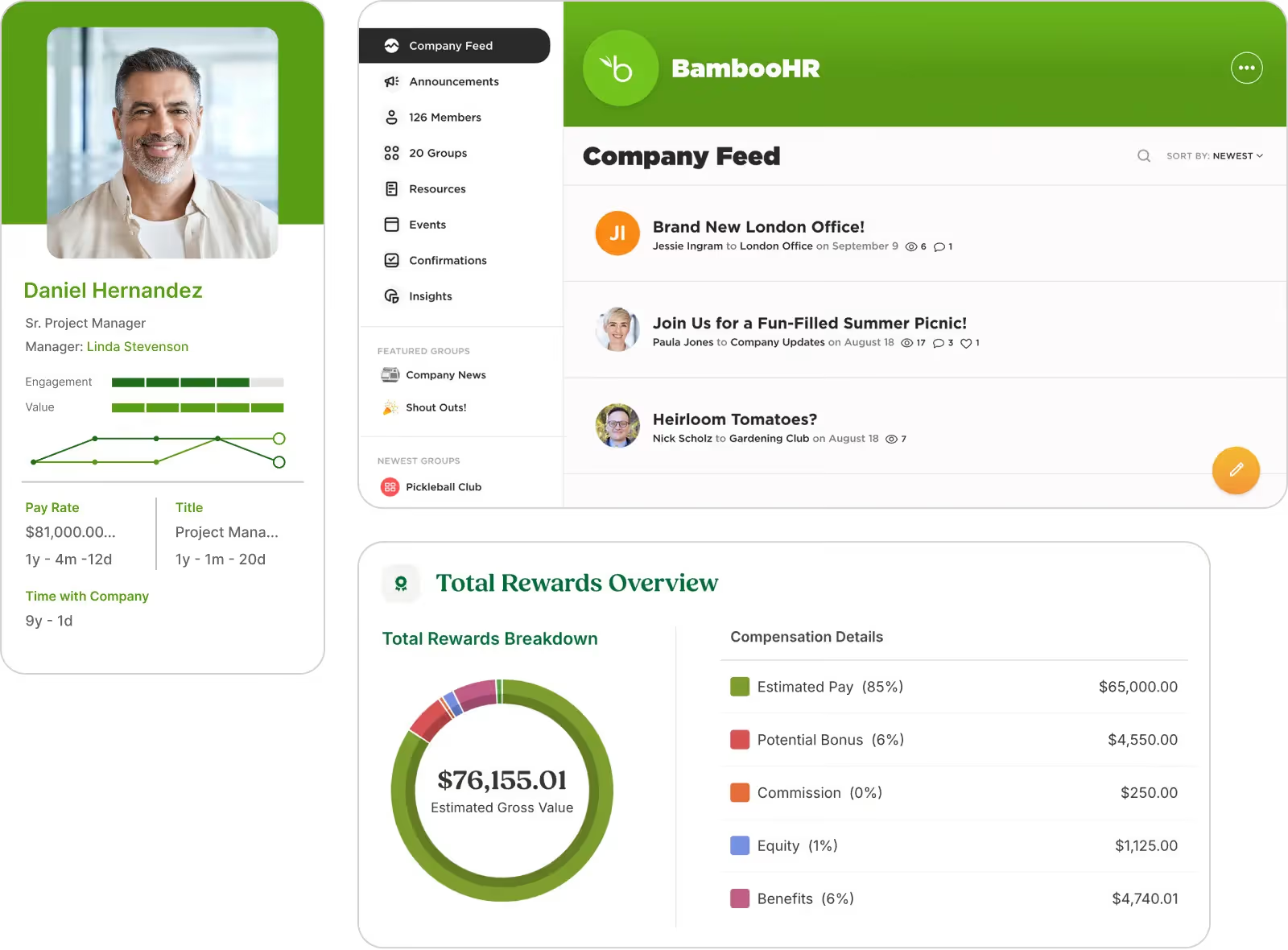
BambooHR is an HR information system designed specifically for small and mid-sized businesses. While not a dedicated people analytics platform like Visier or One Model, BambooHR provides simple HR reporting and clean employee data management that many small teams need.
The platform helps small HR teams track basic but essential workforce metrics: headcount, turnover, time-off balances, employee records, and organizational structure. For many growing companies, BambooHR serves as the HRIS foundation that eventually feeds data to more advanced analytics tools.
Where BambooHR fits best is its focus on simplicity. The dashboards are clean, setup is fast, and HR teams can get value within days—not months.
Key Features
- HR Reporting Dashboard: Track headcount, turnover, demographics, and time-off in one clean view
- Employee Records Management: Centralize employee data, job history, and documents
- Turnover Tracking: Monitor resignation trends and exit interview data
- Basic Analytics: Access simple charts and reports without complex configuration
- HRIS Foundation: Serve as the central employee database for other tools
What You'll Like
1. Very easy to set up and use – Clean interface designed for small HR teams
2. Fast time to value – Start tracking basic HR metrics within days
3. Strong HRIS foundation – Solid employee database that can feed other analytics tools
What You May Not Like
1. Not a deep predictive analytics platform – Lacks advanced workforce modeling capabilities
2. Limited compared to enterprise tools like Visier or One Model – Basic reporting without AI-powered insights
3. Better for simple HR metrics than advanced people analytics – Not designed for complex workforce forecasting
Who Should Avoid This Tool?
Avoid BambooHR if you need advanced people analytics, predictive workforce modeling, or AI-powered insights rather than basic HR reporting and employee data management.
Pricing
BambooHR pricing is quote-based and varies by company size and selected modules. The platform typically charges per employee per month. Contact BambooHR sales for detailed pricing. Demo available upon request.
Best-Fit Recommendation
Choose BambooHR if you're a small HR team (under 500 employees) that needs clean HR reporting and employee data management rather than advanced people analytics. It's particularly strong as an HRIS foundation that can eventually feed data to more sophisticated analytics tools as you grow.
2. Leapsome
Best for: SMBs and mid-market companies wanting AI-enabled performance and engagement analytics without enterprise-level complexity
Overview
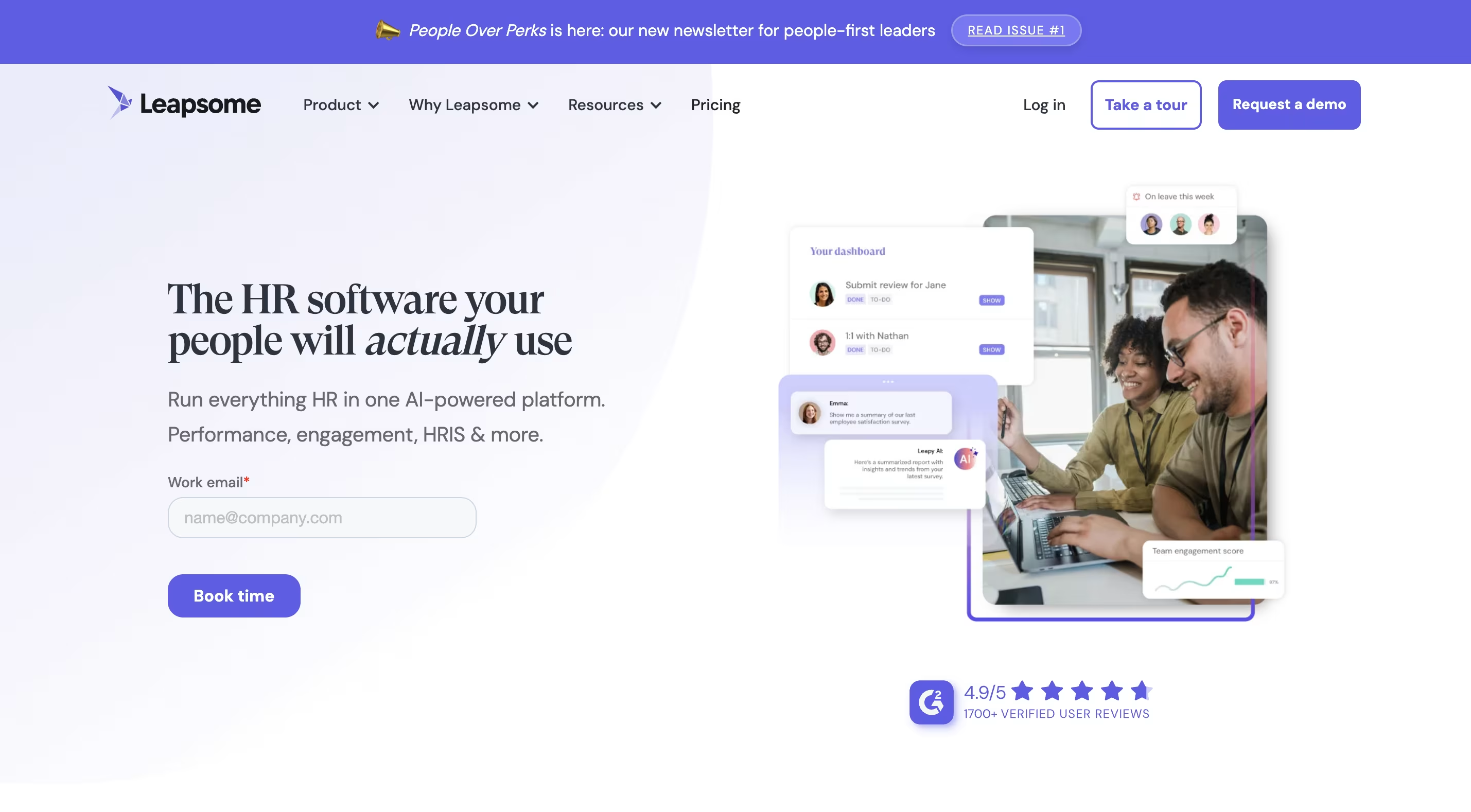
Leapsome offers a unified approach to people enablement, combining analytics with practical tools for performance management and employee development. The platform is built for mid-market companies that want AI-powered reviews and surveys without the implementation timelines and costs of enterprise platforms.
Leapsome stands out for its AI-generated competency frameworks and AI-driven performance review summaries that save managers significant time. The platform can analyze review comments, identify themes and sentiment, and suggest next steps automatically.
This works best when you need a modular approach—you can start with performance reviews and add engagement surveys, goals, and analytics as your needs grow, rather than committing to a heavy all-in-one platform upfront.
Key Features
- AI-Powered Goal Setting and OKRs: Align individual and company objectives with intelligent recommendations
- AI-Driven Performance Reviews: Summarize comments, identify themes and sentiment, and suggest next steps automatically
- AI-Powered Survey Analysis: Condense open-ended feedback into insights and recommendations without manual review
- Continuous Feedback Module: Enable ongoing feedback loops between managers and team members
- Development Tracking: Monitor employee growth and skill development over time
What You'll Like
1. Unified platform covering performance, engagement, and development – Connected modules eliminate data silos
2. AI summaries and suggested actions save managers time – Reduces administrative burden of reviews and surveys
3. Modular pricing for small and mid-sized teams – Start small and add modules as you grow
What You May Not Like
1. Analytics depth lags behind heavy enterprise tools like Workday – Less sophisticated workforce modeling than enterprise platforms
2. Extra modules can raise total cost as you scale – Full-featured implementation can approach $15-$20/user/month
3. Analytics customization options are somewhat limited – Fewer custom dashboard options than specialized BI tools
Who Should Avoid This Tool?
Avoid Leapsome if you're an enterprise over 5,000 employees needing deep workforce modeling or if you need specialized people analytics capabilities rather than combined performance and engagement features.
Pricing
Leapsome pricing varies by company size, selected modules, and contract terms. 14-day free trial available.
Best-Fit Recommendation
Choose Leapsome if you're a mid-market company (200-2,000 employees) that wants AI-powered performance reviews and engagement surveys without enterprise-level complexity. It's particularly strong for teams that want to start with one module and expand over time.
3. ThriveSparrow
Best for: SMBs and mid-market HR teams that want AI-powered people analytics without enterprise complexity
Overview
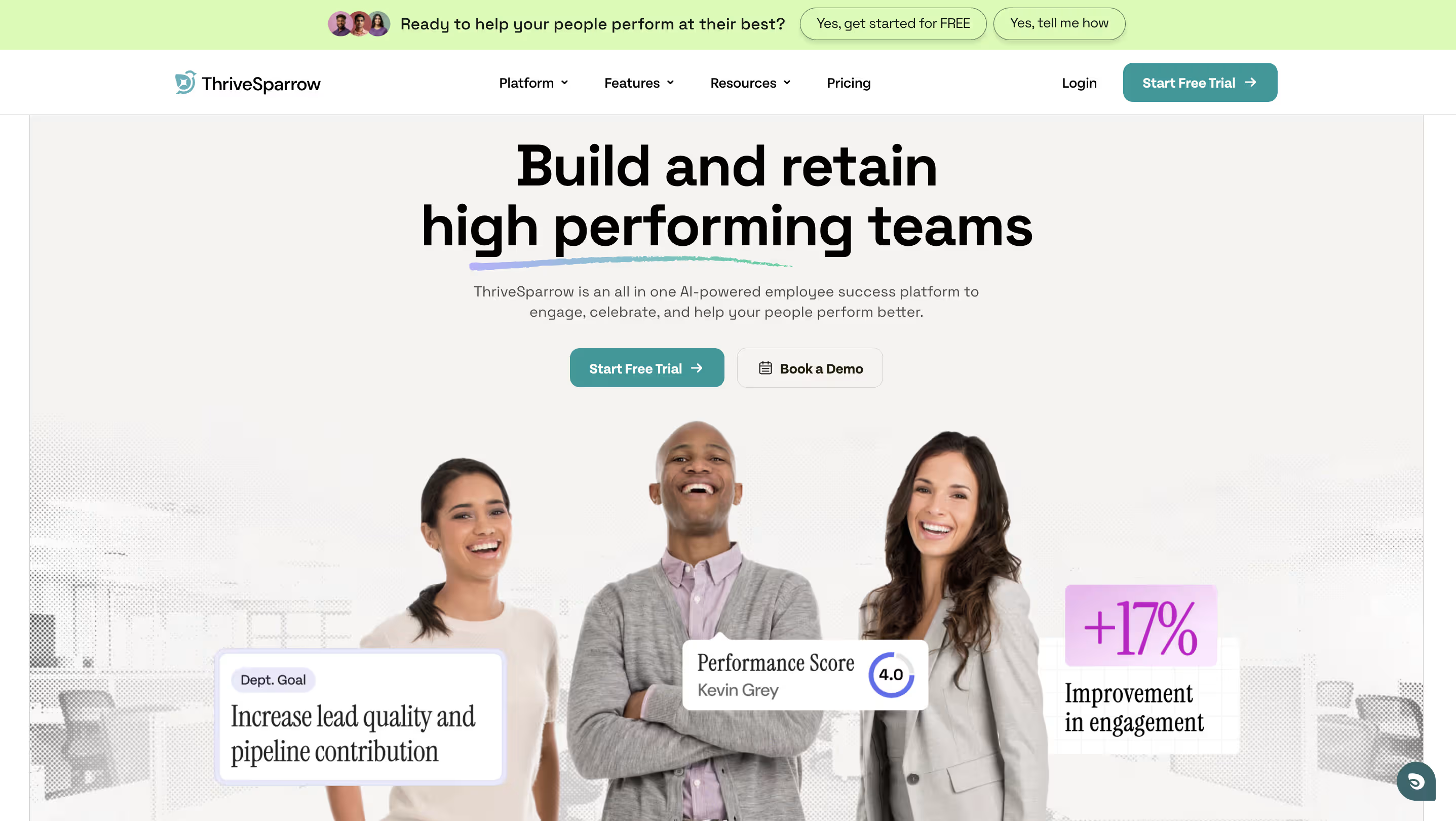
ThriveSparrow works best when your goal is not just to see reports, but to turn engagement, performance, goals, and recognition data into manager action. Unlike heavy enterprise platforms that require data teams and months of setup, ThriveSparrow is built for HR teams that need clear answers fast.
The platform helps you understand your workforce through AI-driven sentiment analysis, engagement heatmaps, performance trend tracking, and manager-level reports—without requiring technical expertise. It's designed for teams that want to move from "we have data" to "we know what to do next."
The strongest use case here is its action-first approach. Instead of just showing charts, it connects employee engagement surveys, performance reviews, goals tracking, and recognition analytics into clear action plans that managers can execute.
Key Features
- AI-Driven Sentiment Analysis: Automatically analyzes open-text employee feedback to uncover sentiment patterns and surface key themes across surveys and reviews
- Interactive Engagement Heatmaps: Get a visual overview of engagement patterns across teams, departments, and locations to quickly identify where intervention is needed
- Team Analytics Dashboard: Provides hierarchy-based dashboards that give managers real-time insights into their team's engagement, performance, and recognition trends
- Performance Review Analytics: Analyze review completion rates, manager effectiveness, and performance distribution across the organization
- OKR & Goals Visibility: Track goal alignment, progress, and completion rates across teams with visual dashboards
- Recognition Analytics: Track recognition frequency, top givers and receivers, and how recognition aligns with company values
What You'll Like
1. Very fast to deploy – No dedicated data team required; most teams launch their first survey or review cycle within days
2. AI insights are easy to digest – Sentiment summaries and heatmaps highlight what matters without requiring manual data analysis
Balanced feature set – Combines analytics, engagement surveys, performance reviews, goals tracking, and recognition in one platform instead of stitching together four separate tools
What You May Not Like
1. Not designed for extremely complex workforce modeling – Enterprise teams needing deep predictive analytics or multi-scenario workforce forecasting may need more advanced tools like Visier or One Model
2. Fewer legacy HRIS-style reports than SAP or Oracle – If you need decades of compliance-focused HR reporting templates, enterprise HRIS platforms may be a better fit
3. Advanced customization is intentionally limited – The platform prioritizes simplicity over endless configuration options to keep the user experience clean
Who Should Avoid This Tool?
Avoid ThriveSparrow if you need enterprise-grade workforce modeling across thousands of custom data points or if your primary use case is complex multi-scenario workforce forecasting rather than engagement and performance analytics.
Pricing
Module-based pricing (billed annually):
- Engage: $3/employee/month (engagement surveys, AI insights, action plans)
- Performance: $5/employee/month (reviews, 360 feedback, development plans)
- Goals: $3/employee/month (OKRs, goal alignment, progress tracking)
- Kudos: $2/employee/month (recognition, rewards marketplace)
All plans include 24x5 email and chat support. Modules can be combined based on your needs.
Best-Fit Recommendation
Choose ThriveSparrow if you want engagement, recognition, performance, and goals analytics in one platform—without needing a data team to make sense of it. It's particularly strong for HR teams that want AI to do the heavy lifting so managers can focus on action.
Helpful resource: How to leverage employee engagement data for action
Want to test people analytics on a real workflow?
Try ThriveSparrow free for 14 days and run one engagement or review cycle with AI-powered insights. No credit card required. Start Free Trial →
.svg)
4. SAP SuccessFactors People Analytics
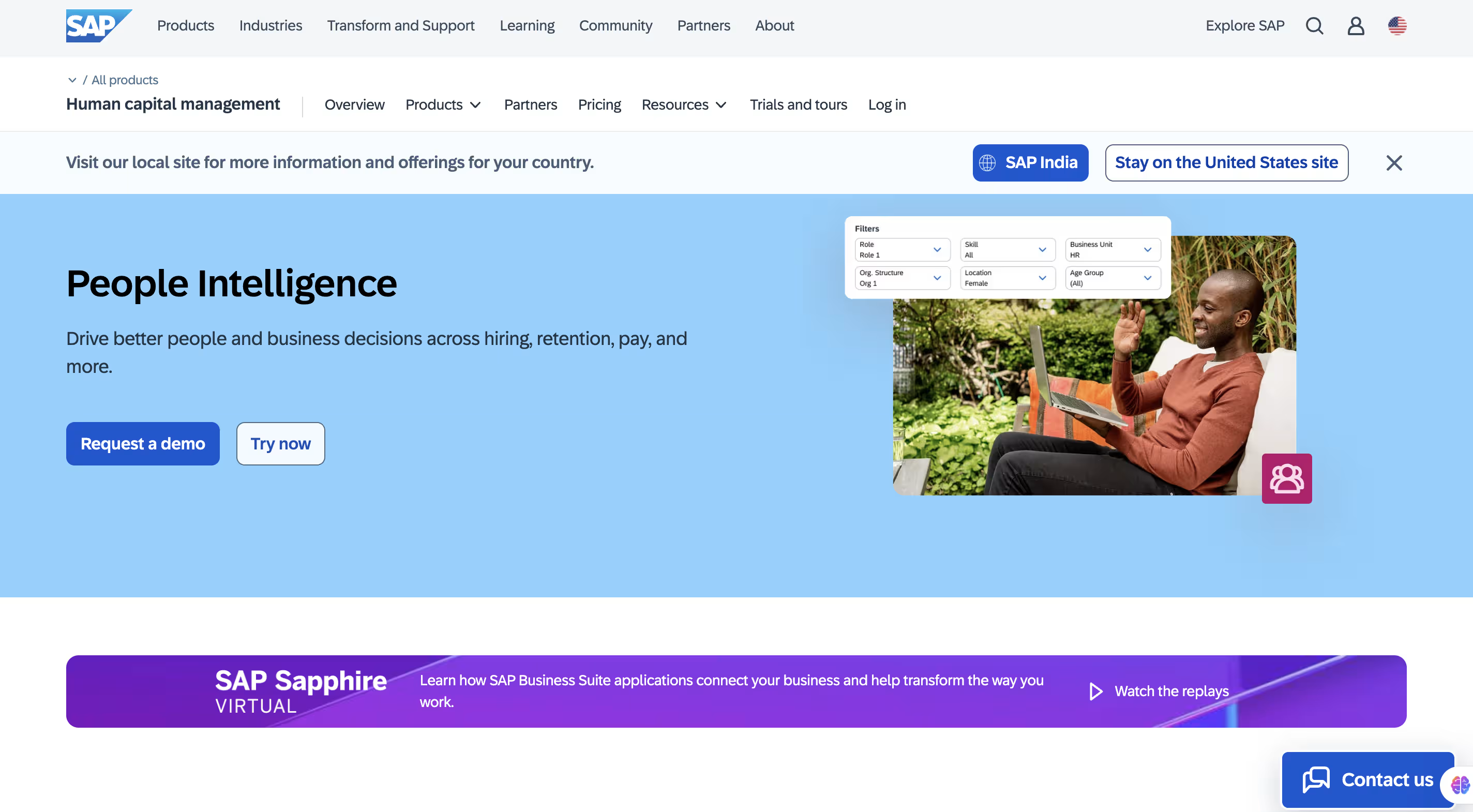
Best for: Enterprise-level organizations already invested in SAP SuccessFactors and needing unified reporting across HR, finance, and operations
Overview
As an integrated solution within the SAP ecosystem, SAP SuccessFactors People Analytics helps you consolidate all your HR reporting and analytics needs into a single platform. The solution creates a unified source of truth for your workforce data, enabling better decision-making across your organization.
SAP SuccessFactors is designed for enterprises that need standardized metrics supporting consistent global reporting across multiple countries and business units. The platform excels at cross-suite reporting, generating insights from live transactional data across the entire SAP SuccessFactors HCM suite.
Where this tool fits best is with its 2,000+ predefined metrics for HR and talent management, complete with standardized definitions and formulas—particularly valuable for global enterprises needing consistent reporting.
Key Features
- Interactive Analysis Tools: Create rich reports and HR dashboards with drill-down capabilities to explore workforce trends
- Cross-Suite Reporting: Generate insights from live transactional data across the entire SAP SuccessFactors HCM suite
- AI-Powered Insights: Use the Joule copilot and generative AI for efficient data analysis and risk assessment
- Role-Based Security: Ensure sensitive HR data protection with customized access permissions
- Integrated Data Foundation: Connect core HR, talent management, and financial data for a complete view of your workforce
What You'll Like
1. Deep integration with the SAP ecosystem and cross-suite reporting – Unified view across HR, finance, and operations
2. Standardized metrics that support consistent global reporting – Predefined KPIs ensure reporting consistency across geographies
3.AI-powered insights to flag risks and opportunities earlier – Joule copilot helps identify patterns proactively
What You May Not Like
1. Not suitable for small organizations – Multi-year contracts with minimum user counts make it impractical for smaller teams
2. Complex implementation and configuration – Implementations typically need certified SAP partners
3. Significant technical expertise needed to manage and extend – Requires dedicated IT and HR systems resources
Who Should Avoid This Tool?
Avoid SAP SuccessFactors if you're not already in the SAP ecosystem, if you're under 1,000 employees, or if you need a quick-setup solution without long implementation cycles.
Pricing
SAP SuccessFactors pricing is quote-based and varies by selected modules, contract size, and implementation requirements. Minimum contract size is typically 1,000 employees with multi-year terms. No free trial available—implementations usually require certified SAP partners.
Best-Fit Recommendation
Choose SAP SuccessFactors People Analytics if you're in the SAP ecosystem and need unified reporting across HR, finance, and operations. It's particularly strong for global enterprises over 5,000 employees with complex, multi-country reporting requirements.
5. One Model
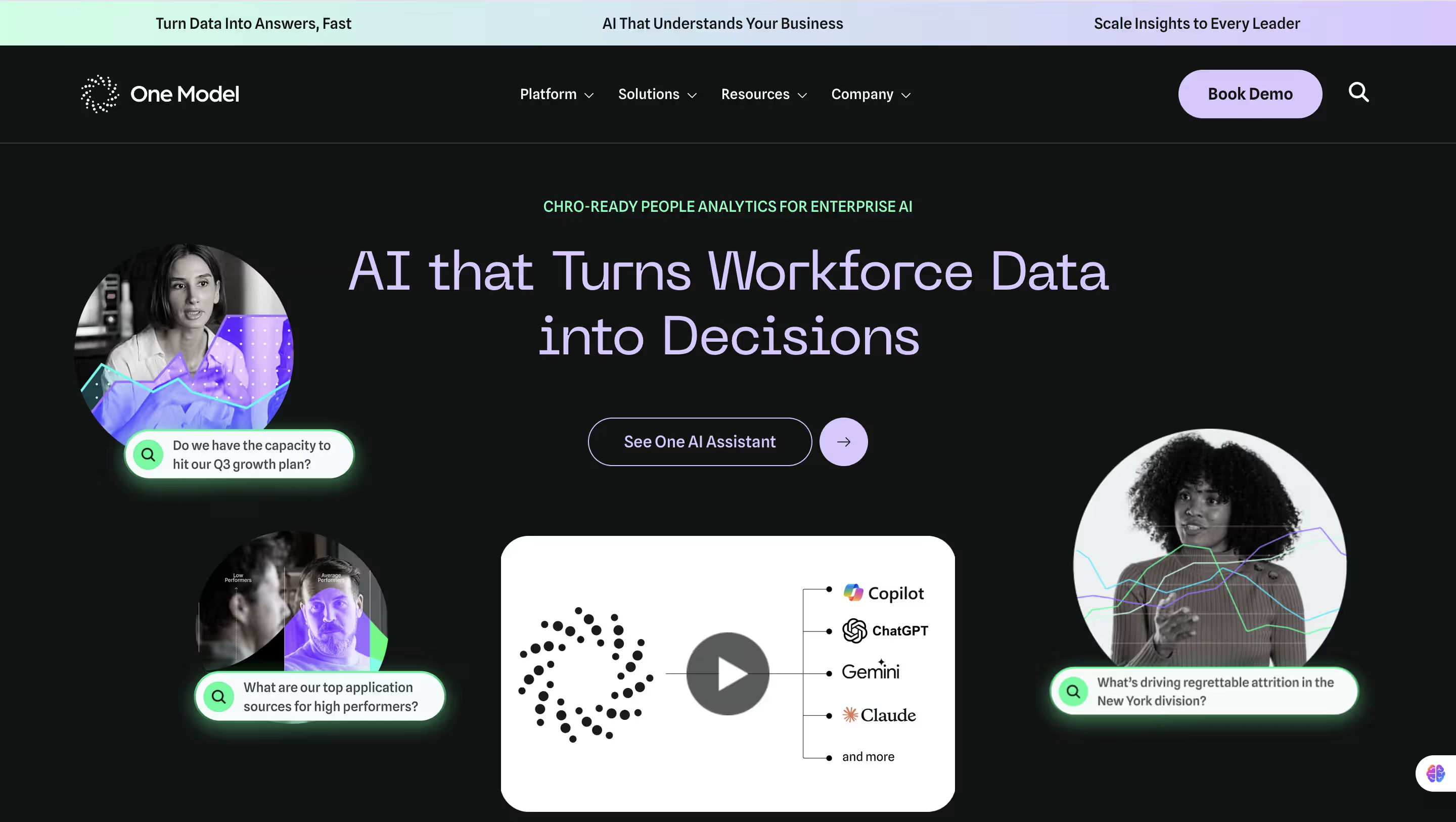
Best for: Enterprises that need workforce planning, predictive analytics, and complex HR data modeling
Overview
One Model is a people analytics platform built specifically for workforce planning and predictive analytics. The platform helps enterprises integrate HR data from multiple sources, model workforce scenarios, and forecast future talent needs with greater accuracy.
Unlike general-purpose people analytics tools, One Model focuses on workforce modeling—helping CHROs and workforce planners understand how current workforce composition connects to future business strategies. The platform is particularly strong for organizations that need to answer complex questions like: "What skills will we need in 18 months?" or "How does compensation strategy affect retention across different segments?"
The main reason to choose One Model is its people data integration capabilities. The platform can connect siloed HR systems, clean messy data, and create a unified people data foundation that powers advanced analytics and workforce planning.
Key Features
- Workforce Planning and Modeling: Build scenario models to forecast hiring needs, skills gaps, and headcount changes
- People Data Integration: Connect and standardize data from multiple HR systems into a unified data foundation
- Predictive Analytics: Use machine learning to forecast attrition, skills shortages, and workforce demand
- Custom Reporting and Dashboards: Create tailored reports for different stakeholders across the organization
- Data Governance: Maintain data quality, security, and compliance across integrated systems
What You'll Like
1. Purpose-built for workforce planning – More focused on strategic workforce modeling than general engagement analytics
2. Strong data integration capabilities – Connects disparate HR systems and creates unified people data foundation
3. Advanced predictive analytics – Sophisticated modeling for complex workforce forecasting scenarios
What You May Not Like
1. Not ideal for small teams or simple use cases – Complexity and cost exceed needs of organizations under 1,000 employees
2. Requires analytics maturity – Teams need dedicated workforce planning or people analytics expertise
3. Less focused on engagement and sentiment – Better for workforce modeling than real-time engagement insights
Who Should Avoid This Tool?
Avoid One Model if you're a small or mid-market company under 1,000 employees, if your primary need is engagement analytics rather than workforce planning, or if you don't have dedicated people analytics or workforce planning resources.
Pricing
One Model pricing is custom and not publicly disclosed. Pricing varies based on company size, data sources, and implementation complexity. Contact One Model directly for a demo and custom quote.
Best-Fit Recommendation
Choose One Model if you're an enterprise over 2,500 employees that needs advanced workforce planning, predictive modeling, and complex people data integration. It's particularly strong for organizations with strategic workforce planning initiatives and dedicated people analytics teams.
6. ChartHop
Best for: Companies that need org planning, headcount visibility, compensation planning, and workforce mapping
Overview
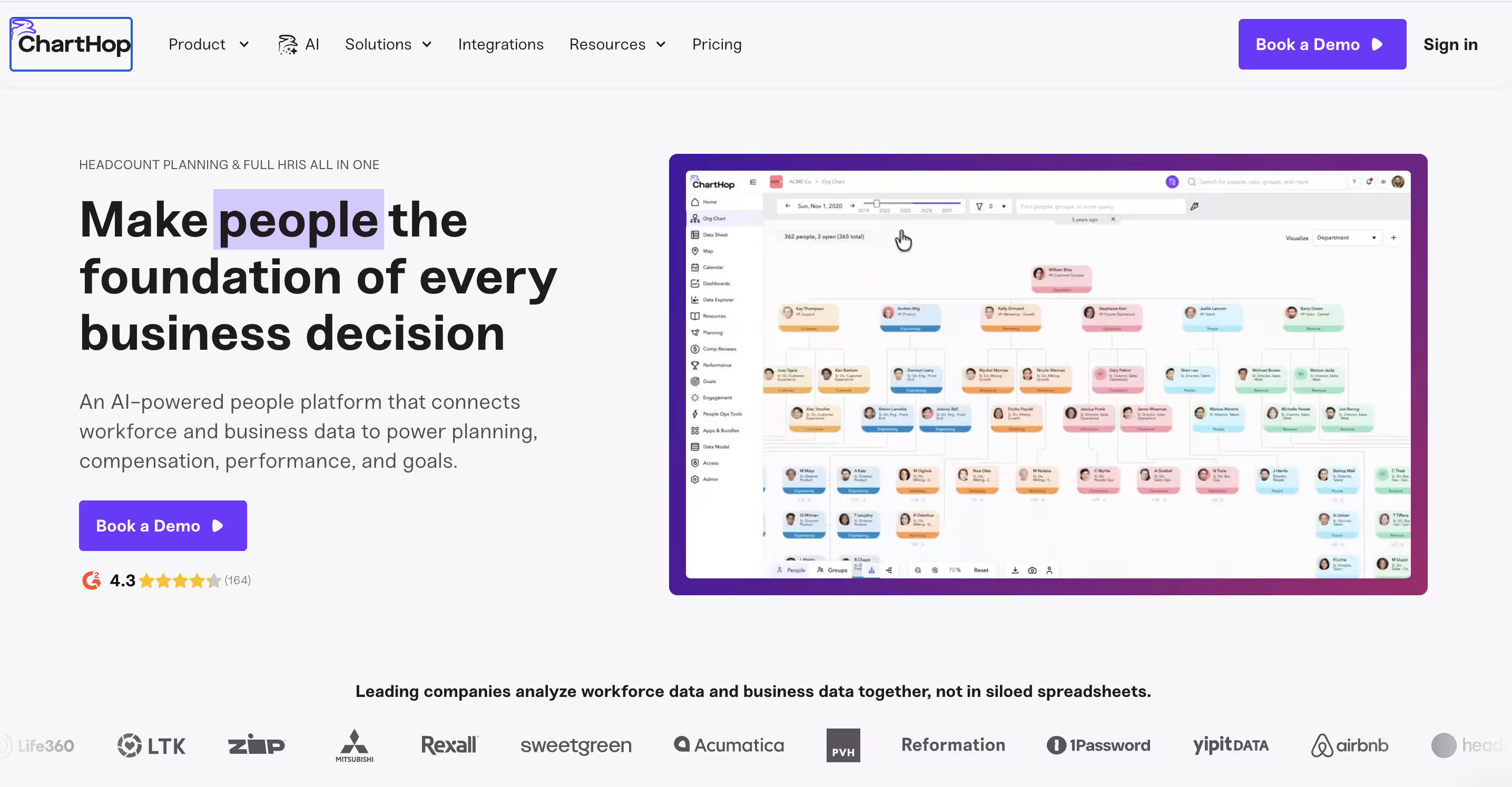
ChartHop is an organizational management platform that brings transparency and clarity to org structure, headcount planning, and compensation. The platform helps HR teams and business leaders visualize their organization, plan headcount changes, and understand compensation distribution across teams.
Unlike traditional people analytics tools that focus on engagement or performance, ChartHop specializes in organizational planning—answering questions like: "What does our org structure look like?" "How is compensation distributed across teams?" and "What happens to our org chart if we hire 20 engineers?"
Where ChartHop excels is its visual approach to people data. The platform turns spreadsheets and HRIS data into interactive org charts, headcount scenarios, and compensation maps that business leaders can understand at a glance.
Key Features
- Interactive Org Charts: Visualize organizational structure with dynamic org charts that update automatically
- Headcount Planning: Model hiring plans, org changes, and scenario planning with visual tools
- Compensation Visibility: Track compensation distribution, pay equity, and budget allocation across teams
- Scenario Planning: Model "what-if" scenarios for org changes, promotions, and workforce shifts
- Employee Data Visualization: Surface employee records, tenure, performance, and engagement data in one view
What You'll Like
1. Visual org planning makes workforce changes easy to understand – Interactive charts and maps replace confusing spreadsheets
2. Strong headcount and compensation planning features – Purpose-built for org planning and budget management
3. Scenario modeling helps leaders plan proactively – Test org changes before implementing them
What You May Not Like
1. Less focused on engagement surveys and sentiment analysis – Not a replacement for dedicated engagement platforms
2. May not replace deep people analytics tools – Better for planning than predictive analytics or trend analysis
3. Best for org planning, not real-time people insights – Focuses on structure and headcount, not daily engagement trends
Who Should Avoid This Tool?
Avoid ChartHop if your primary need is engagement analytics, sentiment analysis, or performance management rather than organizational planning and headcount visibility.
Pricing
ChartHop pricing is custom and varies based on company size and selected features. Contact ChartHop sales for a demo and detailed pricing quote.
Best-Fit Recommendation
Choose ChartHop if your biggest need is organizational planning, headcount visibility, and compensation management rather than deep engagement or sentiment analysis. It's particularly strong for fast-growing companies (200-2,000 employees) managing frequent org changes.
7. Oracle HCM Analytics
Best for: Large organizations using Oracle Cloud HCM that need comprehensive analytics across HR and other business functions
Overview
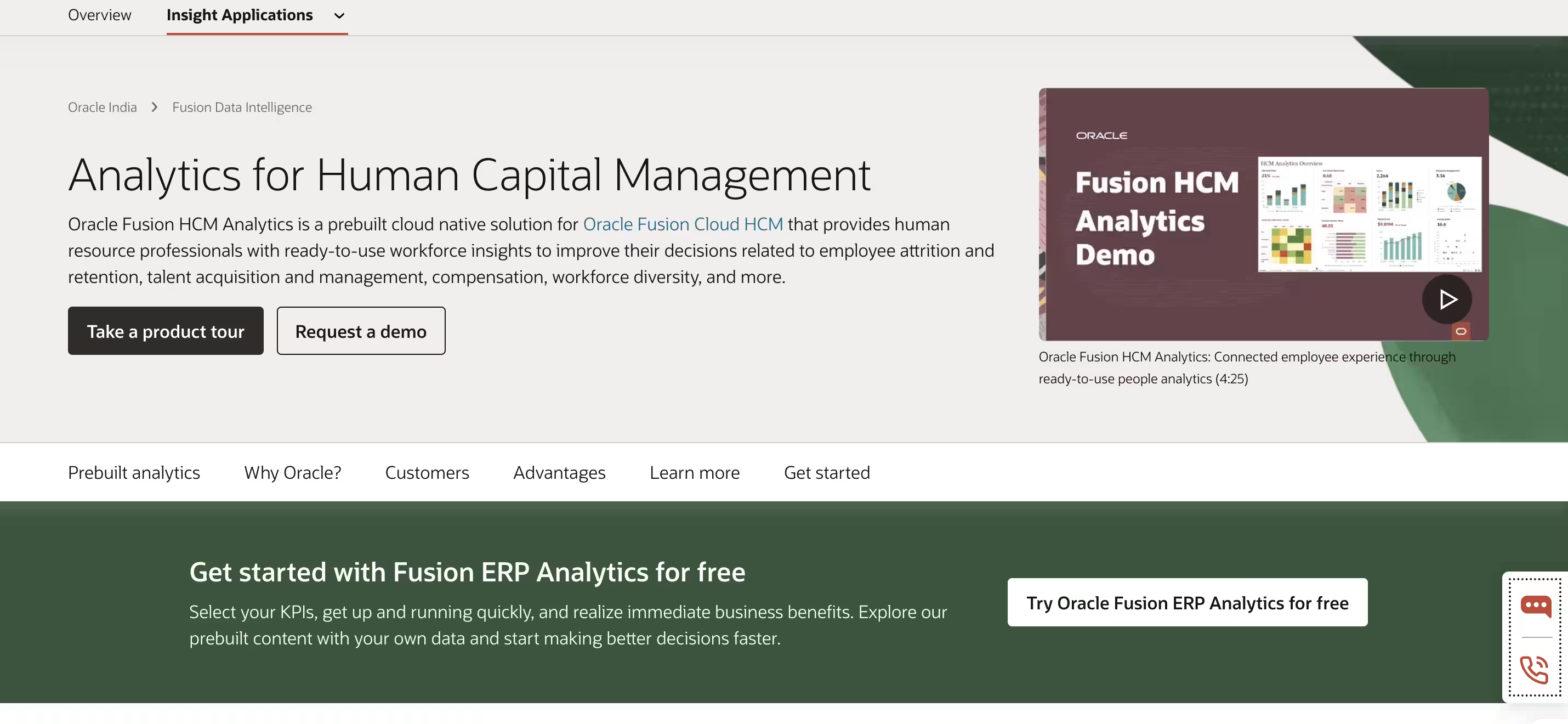
Oracle HCM Analytics is a prebuilt cloud-native solution that delivers ready-to-use workforce insights right out of the box. The platform is designed for enterprises already invested in Oracle Cloud HCM that need comprehensive analytics without building custom solutions.
Oracle HCM Analytics stands out with its extensive library of over 1,000 best-practice HCM KPIs and ready-to-use predictive models. The platform comes with prebuilt dashboards for workforce management, talent profiles, diversity, and career mobility.
The strongest use case here is its cross-functional analysis capability—you can easily combine HR data with finance, supply chain, and customer data for comprehensive business insights beyond just workforce metrics.
Key Features
- Prebuilt Analytics Dashboard: Access insights for workforce management, talent profiles, diversity, and career mobility
- Machine Learning Integration: Leverage ready-to-use predictive models to forecast business outcomes
- Self-Service Analytics: Create dashboards and reports through simple drag-and-drop interfaces
- 1,000+ Best-Practice KPIs: Monitor and improve critical workforce metrics with prebuilt calculations
- Cross-functional Analysis: Combine HR data with finance, supply chain, and customer data
What You'll Like
1. Extensive library of HR KPIs ready to use – Over 1,000 prebuilt metrics eliminate custom development
2. Strong integration across Oracle Cloud applications – Native connections across Oracle ecosystem
3. Predictive models highlighting attrition and capability risks – ML-powered forecasting built in
What You May Not Like
1. Works best if you already use Oracle Cloud HCM – Limited value outside Oracle ecosystem
2. Setup and customization often require technical expertise – Implementation typically needs Oracle partner support
3. Enterprise pricing reflects Oracle's market positioning – May exceed budgets for smaller organizations
Who Should Avoid This Tool?
Avoid Oracle HCM Analytics if you're not already using Oracle Cloud HCM or if you're under 2,500 employees without dedicated HR systems resources.
Pricing
Oracle Analytics Cloud pricing varies by package and features selected. Oracle frequently offers time-limited trials—details are provided via sales teams.
Best-Fit Recommendation
Choose Oracle HCM Analytics if you're using Oracle Cloud HCM and need comprehensive analytics across HR and other business functions. It's particularly strong for enterprises over 5,000 employees with cross-functional analytics needs beyond just HR.
8. Qualtrics EmployeeXM
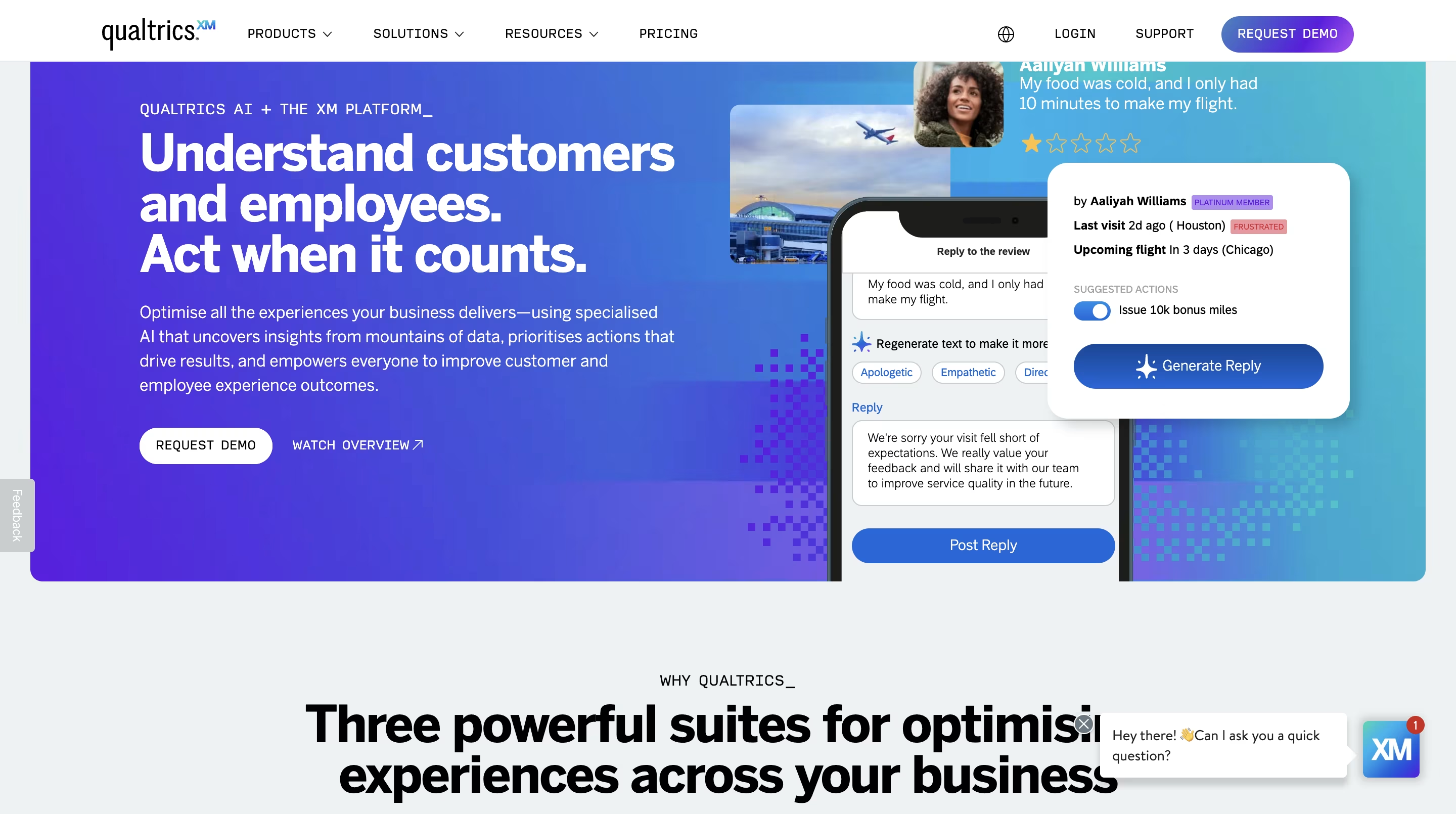
Best for: Medium-to-large enterprises focused on employee experience and retention, especially those wanting to connect EX and CX data
Overview
Qualtrics Employee XM helps you understand and improve your workforce's journey from hiring to retirement. This people analytics software stands out with its ability to connect employee and customer experience data for deeper insights.
Qualtrics is designed for enterprises that view employee experience as a strategic driver of business outcomes. The platform excels at CrossXM integration—identifying which employee experiences directly impact customer experience metrics, revenue, and profitability.
The main reason to choose Qualtrics is its multi-channel listening approach. The platform gathers feedback through websites, mobile apps, voice-activated devices, chat services, and even analyzes video feedback and voice calls—providing a more complete view of employee sentiment.
Key Features
- AI-Powered Analytics Engine: Analyze engagement responses in real-time across multiple channels
- CrossXM Integration: Identify which employee experiences directly impact your customer experience metrics
- Automated Action Planning: Generate AI-recommended insights and actions for managers
- Lifecycle Analytics: Track and optimize experiences at every touchpoint from onboarding to exit
- Predictive Intelligence: Identify employees at high risk of quitting before it impacts your organization
What You'll Like
1. Connects employee feedback to business outcomes – Links employee experience to revenue and customer satisfaction
2. AI summarization and natural-language exploration – Ask questions conversationally to explore data
3. Predictive analytics highlight attrition risks – Identify flight risk before turnover occurs
What You May Not Like
1. Pricing typically targets enterprise budgets – Custom pricing often exceeds SMB budgets
2.Advanced customization may require professional services – Complex implementations need Qualtrics consulting support
3. Complexity may exceed needs of smaller teams – Feature depth can overwhelm teams under 500 employees
Who Should Avoid This Tool?
Avoid Qualtrics if you're under 500 employees with straightforward engagement survey needs or if your budget doesn't accommodate enterprise-level custom pricing.
Pricing
Qualtrics EmployeeXM pricing is custom and varies significantly by modules, user count, and headcount. Qualtrics offers a limited free account for basic surveys, plus product demos via sales.
Best-Fit Recommendation
Choose Qualtrics EmployeeXM if you're an enterprise over 1,000 employees focused on employee experience as a strategic driver of business outcomes. It's particularly strong for organizations that want to connect employee and customer experience data.
9. Crunchr
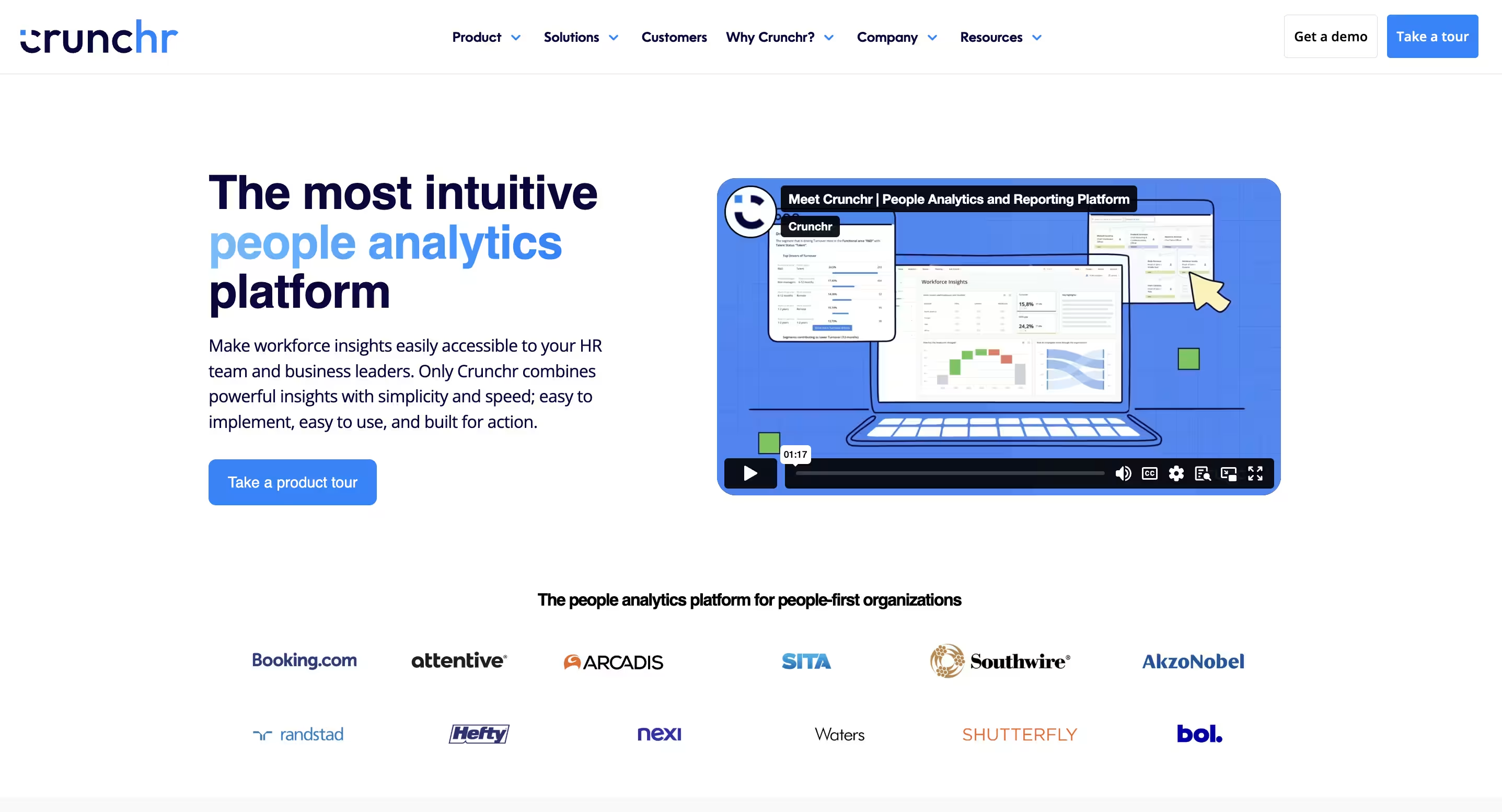
Best for: HR teams seeking self-service analytics plus built-in compliance reporting, particularly for CSRD
Overview
Crunchr's cloud-based people analytics software combines multiple data sources into one GDPR-compliant platform that helps you make smarter decisions about your workforce. The platform is built for European HR teams and global organizations that need CSRD compliance dashboards and ESG-related reporting alongside traditional people analytics.
Crunchr stands out for its AI-powered answers feature that responds to workforce questions in seconds with transparent explanations. The platform also offers a Stories Dashboard Creator that lets HR teams create custom dashboards using hundreds of pre-built metrics.
Where Crunchr fits best is its focus on self-service analytics—HR teams can create custom dashboards and explore data without depending on IT or data teams for every question.
Key Features
- AI-Powered Answers: Get accurate responses to workforce questions with transparent explanations
- Stories Dashboard Creator: Create customized dashboards using hundreds of pre-built metrics
- Real-time Analytics: Access analytics that translate data into insights instantly
- Data Lake Integration: Automatically pull, clean, and consolidate data from various HR systems
- CSRD Compliance: Access ready-to-use CSRD dashboards with real-time updates
What You'll Like
1. Intuitive interface that non-analysts can use – Self-service analytics without technical training
2. AI-powered guidance and generative assistant – Ask questions conversationally to get answers
3. Built-in CSRD and ESG-related reporting options – Compliance dashboards ready out of the box
What You May Not Like
1. Initial setup and data consolidation take time – Connecting multiple data sources requires upfront work
2. Some users report occasional interface issues – Minor software glitches reported in reviews
3. Pricing depends heavily on customization and scale – Custom implementations can increase costs
Who Should Avoid This Tool?
Avoid Crunchr if you're outside Europe and don't need CSRD compliance or if your primary need is real-time engagement insights rather than compliance-focused reporting.
Pricing
Crunchr pricing is typically custom and varies by organization size and requirements. Most buyers engage via demo and custom quote.
Best-Fit Recommendation
Choose Crunchr if you're a European organization or global company needing CSRD compliance reporting alongside traditional people analytics. It's particularly strong for teams that want self-service analytics without heavy IT dependence.
10. Tableau
Best for: Teams that need sophisticated visual analytics and cross-cloud support—and have the technical resources to unlock Tableau's full potential
Overview
Tableau brings your HR data to life through interactive dashboards and comprehensive visualization capabilities. The platform is designed for organizations with strong data skills that need advanced HR visualizations across diverse data sources.
Tableau excels at custom dashboard creation, allowing you to visualize employee turnover, headcount, engagement levels, and performance metrics in highly customizable ways. The platform offers Accelerator Templates through Tableau Exchange to help jumpstart your HR analytics journey.
This works best when your organization has broad integration needs—you can connect multiple HR data sources and create cross-cloud analysis that few specialized HR analytics tools can match. However, this flexibility comes with complexity.
Key Features
- Interactive Dashboards: Create dynamic visualizations for employee turnover, headcount, and engagement
- Data Integration: Connect multiple HR data sources for comprehensive analysis
- Custom Filtering: Drill down into specific datasets by department, location, or job level
- Automated Reporting: Generate regular reports on key HR metrics
- Cross-Cloud Analysis: Connect data sources across different cloud platforms
What You'll Like
1. Industry-leading data visualization capabilities – Rich visualizations and flexible analytics
2. Strong enterprise reporting and collaboration support – Share dashboards across large organizations
3. Connect virtually any data source – Broad integration options enable cross-cloud analysis
What You May Not Like
1. Creator licenses at $75/user/month add up quickly – Higher cost per user than many BI tools
2. Steep learning curve requiring training – Significant skills gap between HR and technical teams
3. Requires data engineering support – Complex deployment and management need dedicated resources
Who Should Avoid This Tool?
Avoid Tableau if your HR team does not have access to analysts or data engineering support, if you need quick-setup people analytics without technical complexity, or if you're under 1,000 employees without dedicated data resources.
Pricing
- Viewer: Approximately $15 per user per month
- Explorer: Approximately $42 per user per month
- Creator: Approximately $70-$75 per user per month
Prices are billed annually. Tableau offers a free trial with limited seats.
Best-Fit Recommendation
Choose Tableau if your team has strong data skills and needs advanced, customizable HR visualizations across multiple data sources. It's particularly strong for enterprises over 2,500 employees with dedicated HR analytics teams that include data engineers and analysts.
11. Workday People Analytics
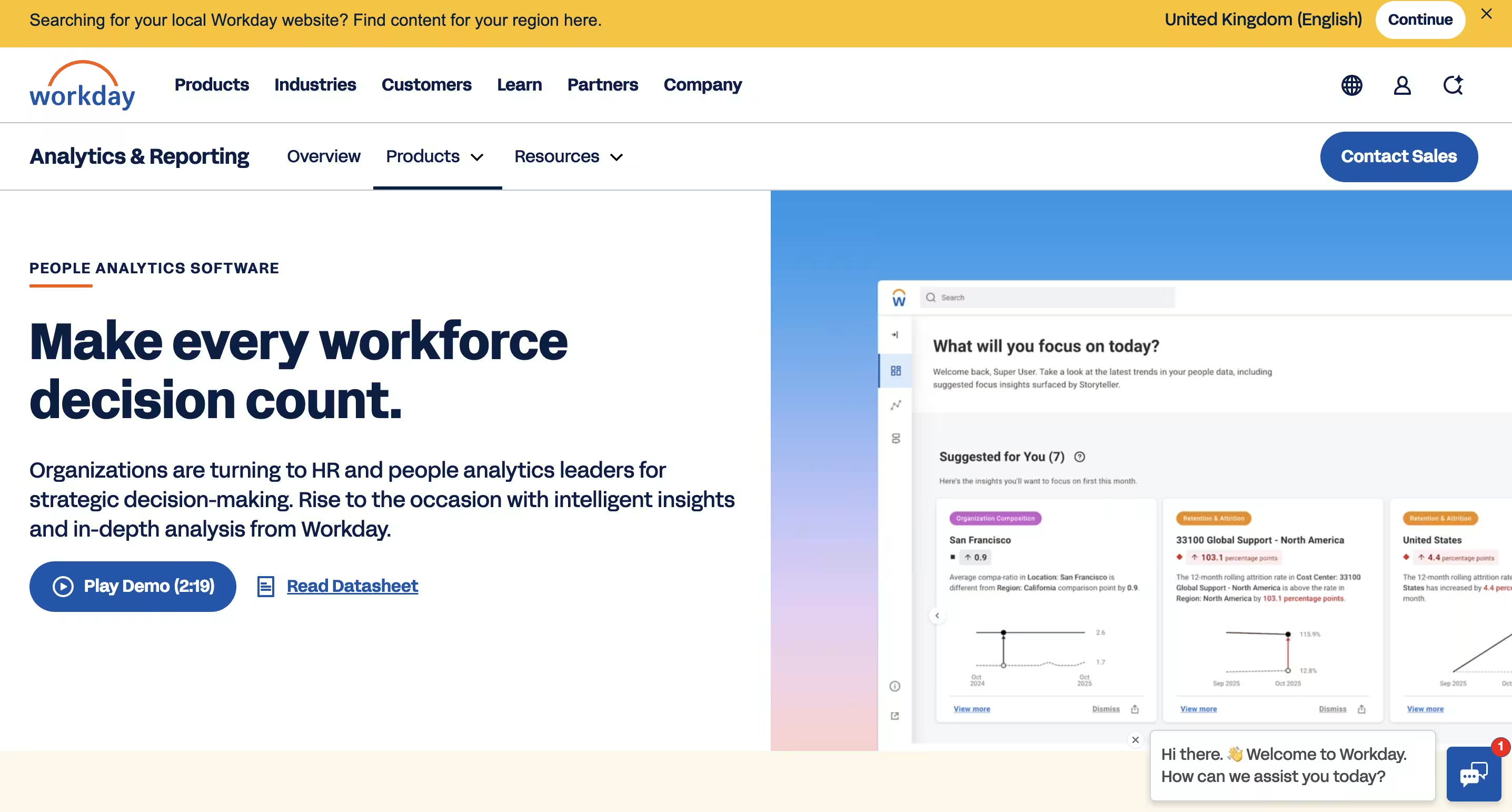
Best for: Large enterprises (1,000+ employees), especially those already running Workday HCM
Overview
Workday is an enterprise-level solution that combines AI and machine learning to help you uncover workforce insights you might otherwise miss. The platform is built for large organizations that need comprehensive analytics across hiring, skills, DEI, and retention.
For organizations already using Workday HCM, Workday People Analytics provides native integration with tight data synchronization across the entire Workday ecosystem.
This works best when your organization needs VIBE Index for measuring equity across intersectional identities and Skills Analytics for tracking workforce capabilities—features particularly valuable for large, complex organizations.
Key Features
- Automated Storytelling Engine: Generates easy-to-understand narratives about workforce trends and KPIs
- Dynamic Prioritization: Surfaces personalized insights highlighting top drivers, risks, and opportunities
- VIBE Index: Measures parity and equity across intersectional identities
- Skills Analytics: Tracks workforce capabilities and development needs
- Retention Analysis: Identifies turnover trends and helps develop stronger retention strategies
What You'll Like
1. Extremely deep workforce analytics across hiring, skills, DEI, and retention – Comprehensive coverage of all major HR analytics use cases
2. Strong DEI and skills intelligence via VIBE and skills analytics – Industry-leading capabilities for equity measurement
3. Tight integration across the Workday ecosystem – Native data connections eliminate integration headaches
What You May Not Like
1. More suitable for large organizations than small or mid-size teams – Feature depth and complexity exceed needs of organizations under 1,000 employees
2. Implementation requires dedicated resources and time – Typical implementations take 3-4 months minimum
3. Requires analytics maturity and internal ownership – Teams need dedicated resources to unlock full value
Who Should Avoid This Tool?
Avoid Workday People Analytics if you're not already using Workday HCM, if you're under 1,000 employees, or if you don't have dedicated HR analytics resources to manage implementation and ongoing platform optimization.
Pricing
Workday pricing is quote-based and varies by company size, selected modules, implementation scope, and contract terms. Pricing is not publicly listed. Designed primarily for organizations with 1,000+ employees. No free trial available—contact Workday sales for detailed pricing.
Best-Fit Recommendation
Choose Workday People Analytics if you're already using Workday HCM and need deep workforce, skills, and DEI analytics natively integrated with your system. It's particularly strong for enterprises over 2,500 employees with dedicated HR analytics teams.
12. Visier
Best for: Medium-to-large enterprises that want out-of-the-box analytics and AI-assisted guidance without building a data stack from scratch
Overview
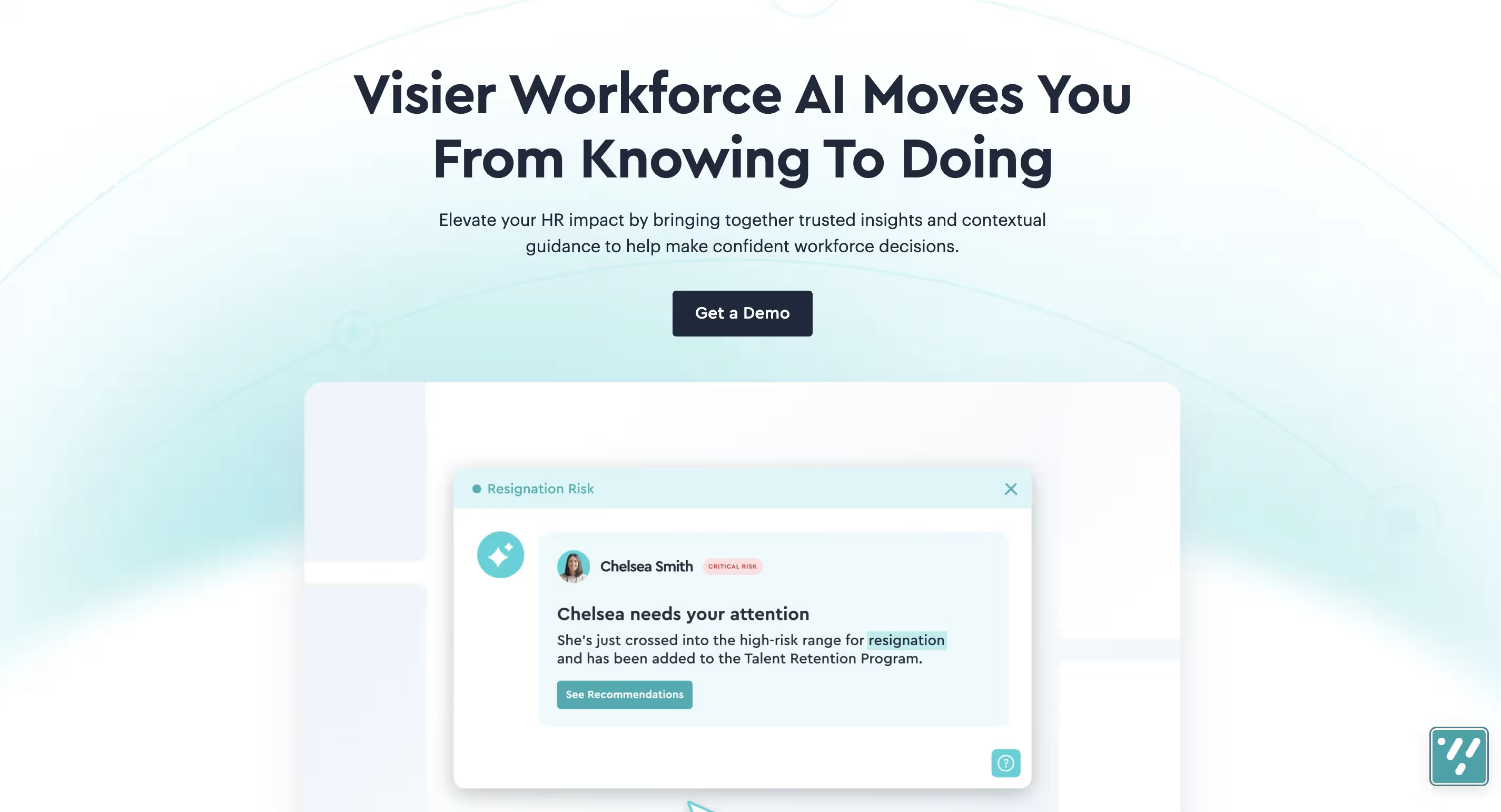
Visier brings artificial intelligence to the forefront of people analytics, helping you unlock deeper workforce insights without getting lost in data complexity. The platform stands out with its AI assistant 'Vee', which transforms how you interact with your workforce data.
Visier is designed for enterprises that need turnkey workforce analytics without spending months building custom dashboards. The platform comes with hundreds of pre-built metrics, questions, and analyses targeting common workforce challenges like retention, diversity, and skills gaps.
The main reason to choose Visier is its predictive capabilities—the platform doesn't just show what happened, it forecasts workforce trends and identifies potential issues before they impact your business.
Key Features
- AI-Powered Analysis with Vee: Get instant answers to workforce questions through the AI assistant that processes complex queries in real-time
- Pre-Built Content Library: Access hundreds of pre-built metrics, questions, and analyses targeting common workforce challenges
- Unified Data Foundation: Integrate and standardize data from multiple sources to create a complete view of your employee lifecycle
- Predictive Capabilities: Forecast workforce trends and identify potential issues before they impact your business
- Automated Insights: Focus on strategic analysis instead of data manipulation with automated dashboard maintenance
What You'll Like
1. Turnkey analytics with extensive out-of-the-box content – Start analyzing workforce data immediately without building custom reports
2. AI assistant (Vee) makes data accessible to non-experts – Ask questions in plain English and get instant insights3.
Real-time dashboards and predictive insights – Forecast attrition and workforce risks before they materialize
What You May Not Like
1. Pricing is not publicly disclosed and typically targets larger organizations – Custom pricing requires sales engagement
2. Custom KPIs and advanced setups may require professional services – Complex customizations often need Visier consulting support
3. Focused more on mid-to-large enterprises than small teams – Feature depth may be overkill for companies under 500 employees
Who Should Avoid This Tool?
Avoid Visier if you're a small organization under 500 employees with straightforward HR reporting needs or if your budget doesn't accommodate enterprise-level custom pricing models.
Pricing
Pricing is custom and not publicly disclosed. Organizations typically request a quote based on company size, number of users, and selected modules. Prospects typically start with a demo and scoped proposal.
Best-Fit Recommendation
Choose Visier if you need enterprise-grade predictive workforce analytics and have the internal resources to manage a more advanced analytics platform. It's particularly strong for organizations over 1,000 employees that want turnkey people analytics without building everything from scratch.
Best People Analytics Software by Use Case
Use this table if you already know your main problem. For example, if your biggest issue is turnover, look for tools with retention analytics and predictive insights like ThriveSparrow, Visier, or Qualtrics. If your biggest issue is scattered engagement data, choose a tool that connects pulse surveys, sentiment, and action planning like ThriveSparrow or Leapsome.
Key Features to Look For in People Analytics Software
1. HR Metrics Dashboard
A good HR metrics dashboard should track headcount, turnover, engagement, absenteeism, performance trends, and employee lifecycle data in one view. Look for dashboards that let you filter by department, location, tenure, and manager to spot patterns at different levels.
2. Employee Retention and Turnover Analysis
The tool should help HR teams understand why employees leave, which teams are at risk, and what actions can reduce turnover. Strong employee retention analytics connects turnover data to engagement scores, manager ratings, compensation changes, and career progression patterns.
3. Predictive HR Analytics
Predictive HR analytics uses historical data and machine learning to forecast risks like attrition, burnout, engagement decline, and skills gaps before they become larger problems. For example, predictive models might flag that employees with declining engagement scores and no recent recognition are 3x more likely to leave within 90 days.
4. Workforce Planning Tools
Workforce planning tools help leaders understand hiring needs, headcount changes, future talent gaps, and workforce demand based on business projections. Strong workforce analytics solutions connect current workforce composition to future business needs.
5. Employee Engagement Analytics
The tool should connect pulse surveys, eNPS, sentiment analysis, and open-text feedback to clear next steps. Platforms with strong employee engagement data capabilities identify patterns like "workload concerns increased 40% in Engineering" and suggest manager check-ins as the next action.
6. DEI Analytics
DEI analytics helps HR teams track representation, inclusion, equity trends, and differences in employee experience across demographic groups. Strong DEI analytics platforms show not just diversity numbers but inclusion outcomes—like whether underrepresented groups report the same engagement levels as majority groups.
7. HRIS and Data Integration
The platform should connect with HRIS, payroll, ATS, performance, survey, and communication tools. Strong HRIS integration means the platform can pull employee records, job history, compensation, and organizational structure automatically.
8. AI-Powered Insights
AI-powered insights should summarize patterns, highlight risks, and suggest actions instead of only showing raw numbers. For example, instead of showing "Engagement: 72," an AI-powered platform might say: "Engagement dropped 8 points. AI analysis shows 'workload' mentioned 3x more often. Recommended action: Run manager check-ins focused on workload distribution."
Common People Analytics Use Cases
People analytics software can help HR teams:
- Reduce employee turnover by identifying flight risk patterns early
- Improve employee engagement by connecting survey data to manager action plans
- Identify burnout risks before they lead to turnover
- Track manager effectiveness through team-level metrics
- Understand performance trends across teams and departments
- Plan workforce needs by forecasting hiring and skills gaps
- Measure DEI progress through representation and inclusion metrics
- Identify skills gaps through performance analysis
- Improve hiring quality by tracking new hire retention
- Connect employee experience to business outcomes like productivity and revenue
This matters because employee engagement is closely tied to business outcomes. Gallup has reported that engaged teams show higher productivity, which makes employee experience analytics more than just an HR reporting exercise.
Real-World Example
If a team has falling engagement scores, lower manager ratings, and rising absenteeism, people analytics software can help HR spot the pattern early and act before turnover increases.
The platform might reveal that one department has 30% lower engagement than the company average, and AI sentiment analysis might show that employees in that department mention "workload" and "lack of recognition" most frequently. This gives HR clear direction: focus manager interventions on workload distribution and recognition practices in that specific department.
How to Choose the Right People Analytics Software
Step 1: Start with the Question You Need to Answer
Before evaluating tools, write down the 3 workforce questions you must answer this year. Examples: Why are employees leaving? Which teams are disengaged? Are managers acting on feedback? Where are skills gaps growing? Do we need better workforce planning?
Your tool should directly help you answer these questions—not just give you "interesting data."
Step 2: Match the Tool to Your Company Size
SMBs (under 500 employees) need simple dashboards and quick setup. Look for tools like ThriveSparrow, BambooHR, or Leapsome that don't require data teams.
Mid-market teams (500-2,500 employees) need employee engagement software, performance analytics, and action planning. Look for platforms that balance depth with usability like ThriveSparrow, Leapsome, or Qualtrics.
Enterprises (2,500+ employees) need deeper modeling, integrations, and custom reporting. Look for platforms like Visier, Workday, SAP, Oracle, or One Model that handle complex data structures.
Step 3: Check Integration Capabilities
Your people analytics platform should connect with:
- HRIS (employee records, job history, org structure)
- ATS (hiring metrics, candidate data)
- Payroll (compensation trends, bonus distribution)
- Performance tools (review ratings, feedback, OKR software)
- Survey tools (pulse surveys, eNPS, engagement)
- Recognition systems (employee recognition software, appreciation tracking)
- BI tools (Tableau, Power BI, Looker)
If the platform can't pull data automatically, you'll spend too much time on manual exports and imports.
Step 4: Think About the Actual User
If only analysts can use the tool, adoption will be low. HR managers need simple, clear insights they can act on—not complex dashboards that require training.
Ask: Can a manager log in and understand what's happening in their team within 60 seconds? If not, the tool may be too complex.
Step 5: Choose Action Over Reporting
A dashboard is useful only if it helps someone make a better decision. Choose a tool that turns data into next steps—not just pretty charts.
For example:
- ❌Reporting-only: "Engagement dropped 8 points in Q3."
- ✅ Action-oriented: "Engagement dropped 8 points in Q3. AI analysis shows 'workload' mentioned 3x more often. Recommended action: Run manager check-ins focused on workload distribution."
Final Verdict: Which People Analytics Software Should You Choose?
The best people analytics software depends on what your HR team needs to solve first. Some teams need deep workforce modeling. Others need simple dashboards, engagement insights, and action plans managers can use.
1. Choose ThriveSparrow if you want engagement, recognition, performance, and goals analytics in one platform—without needing a data team to make sense of it. It's built for SMBs and mid-market teams that want AI to do the heavy lifting so managers can focus on action.
2. Choose Visier, Workday, SAP, Oracle, or One Model if you are an enterprise with complex workforce data and dedicated analytics resources. These platforms offer deep predictive analytics, workforce modeling, and cross-functional reporting for organizations over 2,500 employees.
3. Choose Tableau if your team already has strong data analysts and needs custom dashboards across multiple data sources. It's best for enterprises with dedicated HR analytics teams that include data engineers.
4. Choose BambooHR if you need simple HR reporting for a smaller team under 500 employees. It provides clean employee data management without analytics complexity.
5. Choose ChartHop if org planning and headcount visibility are your biggest priorities. It's particularly strong for fast-growing companies managing frequent organizational changes.
6. Choose Leapsome if you're a mid-market team that wants AI-powered performance reviews and engagement surveys without enterprise-level complexity.
The honest takeaway: If your team is still early in people analytics, do not start with the most complex tool. Start with the platform your managers will actually open, understand, and use.
🎯 Want people analytics your managers can actually use?
Try ThriveSparrow free for 14 days and turn employee feedback into clear action plans. No credit card required. Start Free Trial →
FAQs
1. What is the best people analytics software in 2026?
ThriveSparrow, Visier, Workday People Analytics, BambooHR, and One Model are among the best people analytics tools in 2026, depending on company size and use case. ThriveSparrow works best for SMBs and mid-market teams that want AI-powered insights without enterprise complexity. Visier suits enterprises needing predictive workforce analytics. Workday People Analytics fits organizations already using Workday HCM. BambooHR is a strong choice for small teams needing simple HR reporting. One Model offers advanced workforce planning and modeling capabilities.
2. What is the difference between people analytics software and HR analytics software?
People analytics software connects employee data across engagement, retention, performance, and culture to drive business outcomes. HR analytics software focuses on operational metrics like headcount, turnover, hiring, and payroll. People analytics is broader and more strategic, while HR analytics is more transactional. Some platforms like ThriveSparrow and Visier combine both approaches.
3. What features should a people analytics platform include?
A strong people analytics platform should include an HR metrics dashboard, employee retention and turnover analysis, predictive HR analytics, employee engagement surveys with sentiment analysis, workforce planning tools, DEI analytics, HRIS integration, and AI-powered insights that summarize patterns and suggest actions. The platform should turn data into clear next steps for HR teams and managers.
4. Which people analytics tool is best for employee retention?
ThriveSparrow, Visier, and Qualtrics EmployeeXM are strong for employee retention analytics. ThriveSparrow uses AI sentiment analysis to uncover why employees are disengaged, Visier offers predictive attrition modeling, and Qualtrics connects employee experience data to retention outcomes. All three help HR teams identify flight risk patterns and act before turnover increases.
5. What is the best HR analytics dashboard for SMBs?
For SMBs, ThriveSparrow and BambooHR offer clean, easy-to-use HR analytics dashboards. ThriveSparrow provides AI-powered engagement and performance insights with heatmaps and manager reports. BambooHR offers simple HR metrics tracking for headcount, turnover, and time-off. Both platforms are designed for HR teams without dedicated data analysts.
6. Can people analytics software integrate with HRIS tools?
Yes, most modern people analytics platforms integrate with HRIS systems like BambooHR, Workday, SAP, and ADP. Platforms like ThriveSparrow, Visier, and Leapsome offer native HRIS integrations or API connections that automatically sync employee data, eliminating manual CSV uploads. Check integration compatibility before choosing a platform.
7. How does predictive HR analytics reduce turnover?
Predictive HR analytics uses historical data and machine learning to identify employees at risk of leaving before they resign. It analyzes patterns like declining engagement scores, low manager ratings, decreased recognition, and demographic risk factors. Tools like Visier and ThriveSparrow use AI to flag flight risk and recommend interventions like manager check-ins or workload adjustments.


