Qr code share for surveys
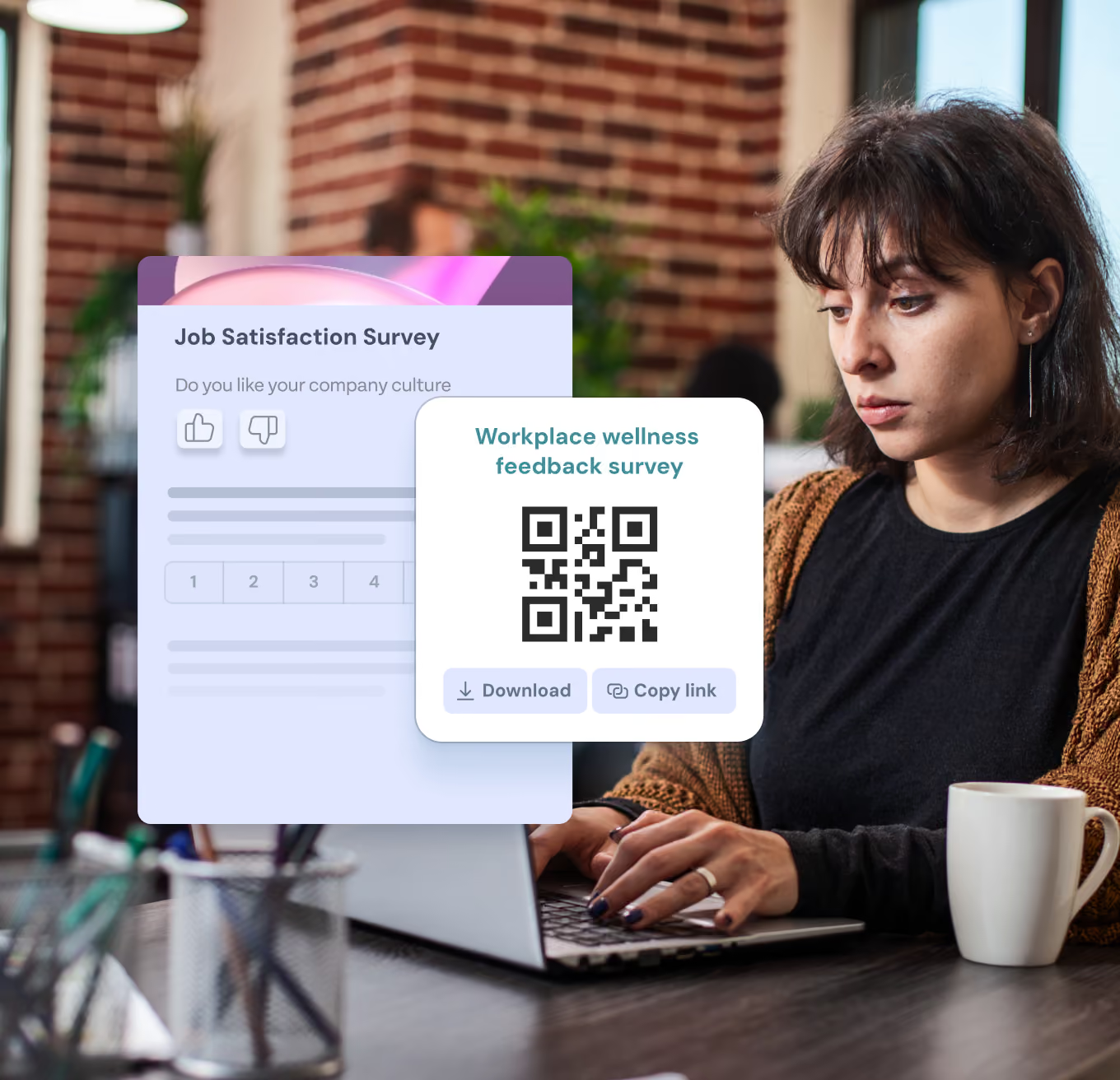
Boost survey participation instantly with QR code sharing
Skip the email clutter and use QR codes to supercharge blue-collar engagement. Get instant, anonymous feedback that hits the right, customizable metrics.
Book a Demo

JOIN THE BEST BRANDS IN THE WORLD




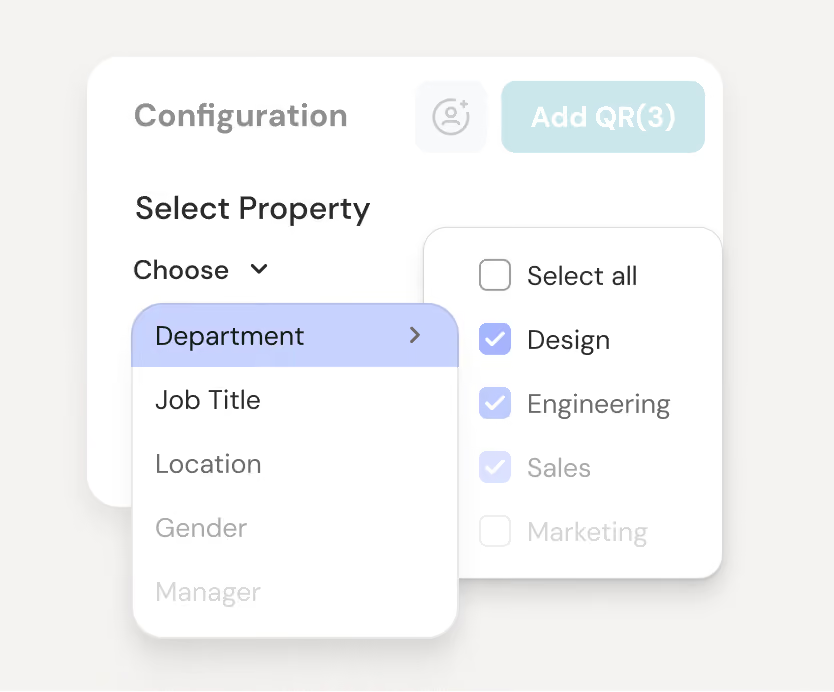
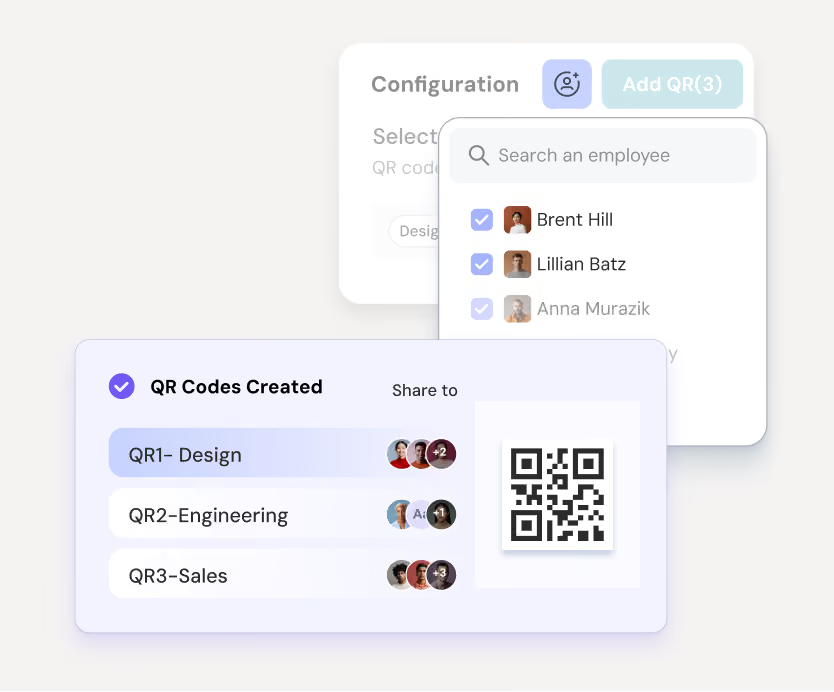
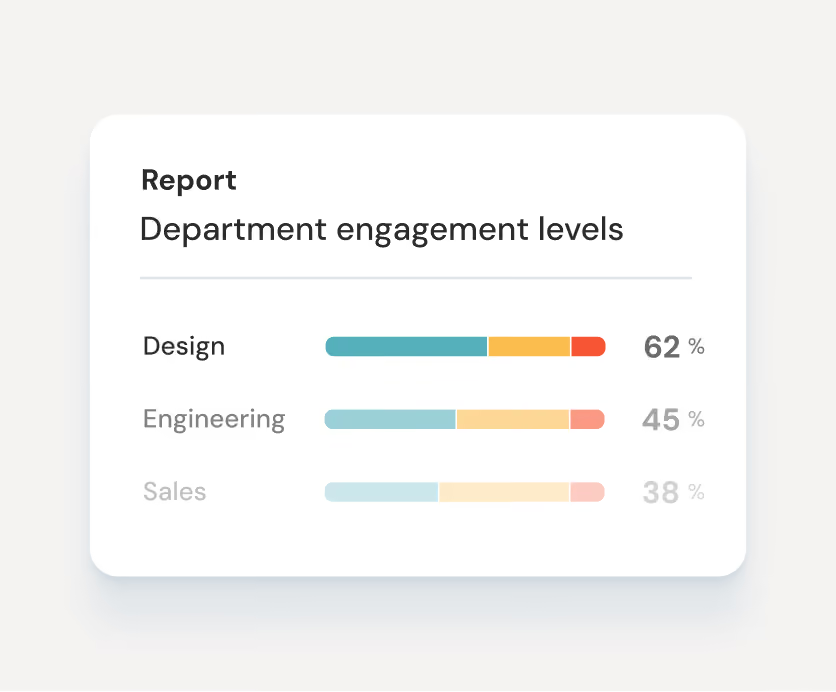
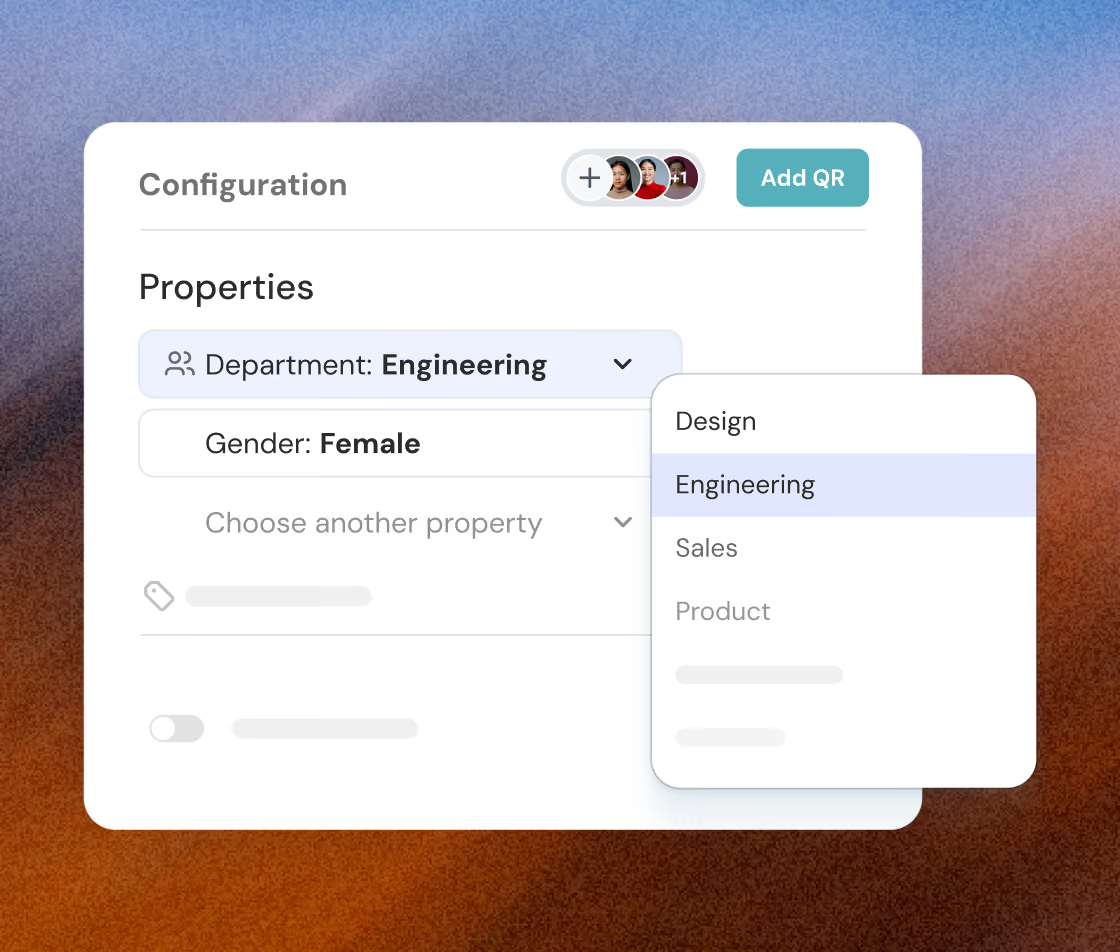
Get organized insights without any hassle
Add and manage various employee properties effortlessly for every QR code generated for clear and actionable reports.

Map each property distinctly to avoid overlaps and achieve flawless data categorization.
Assign only one value per property for straightforward data segmentation.
Book a Demo
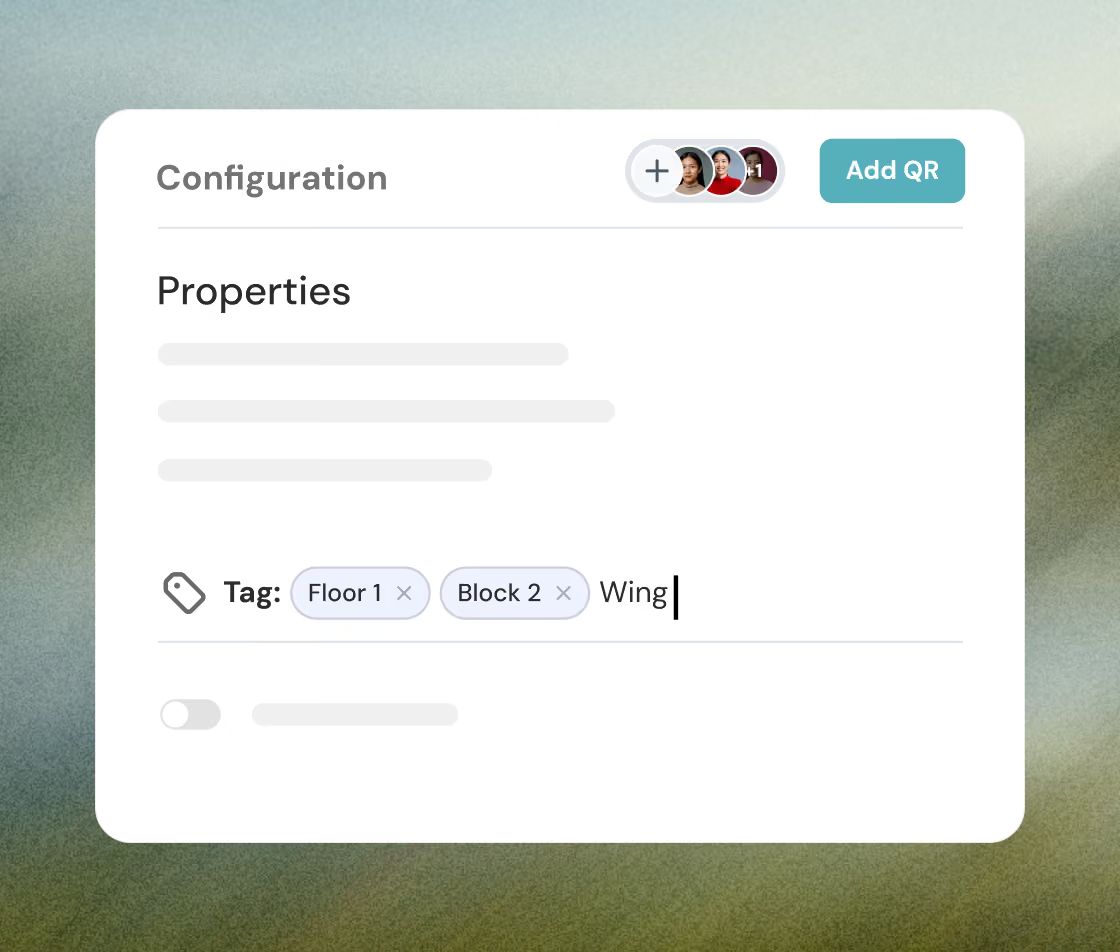
Enable smart tracking with custom tags
Customize and apply tags to QR codes with ease. Reuse tags across surveys for consistent and relevant data tracking.
Create and assign tags easily to enhance data organization and filtering.
Save time by leveraging labeling for streamlined and consistent tagging.
Book a Demo
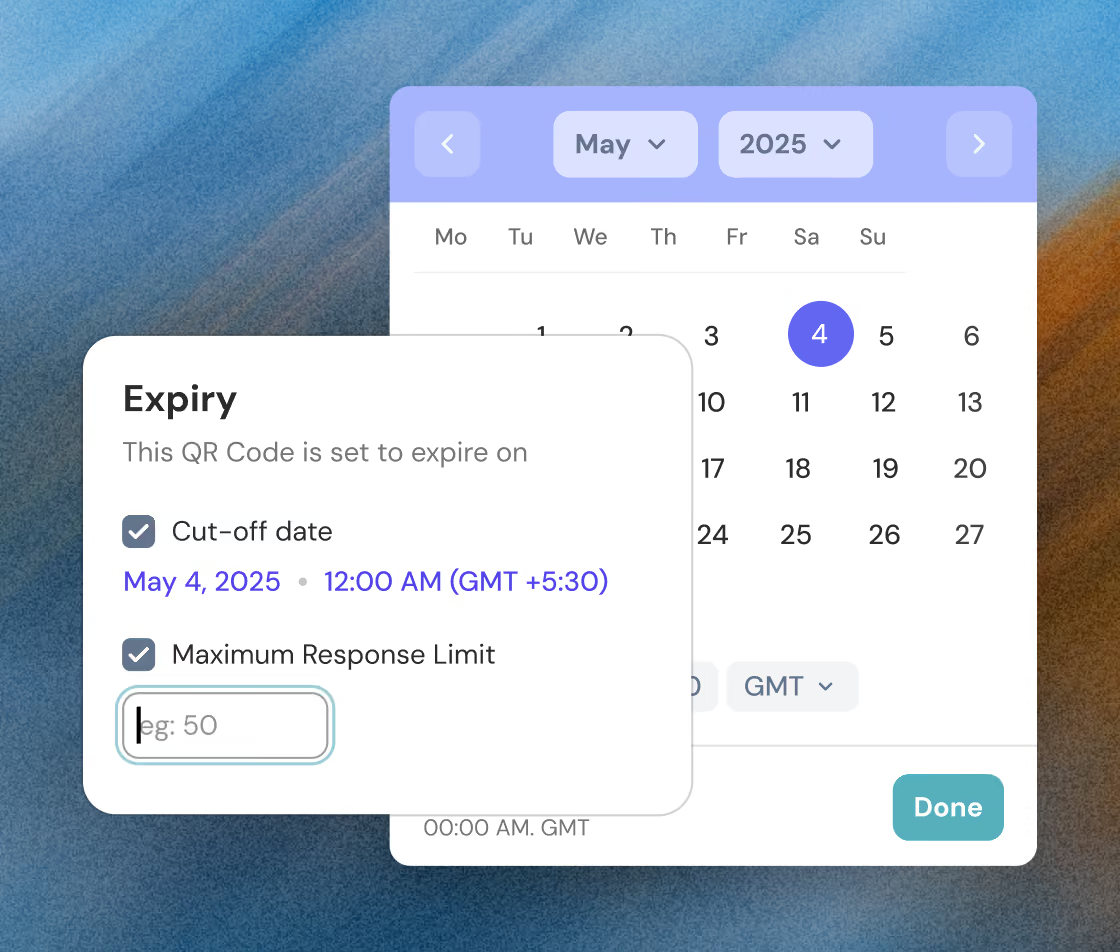
Set the survey deadlines based on your needs
Set precise cut-off dates and response limits to perfectly align with your needs and prevent outdated responses.
Give specific expiry dates to align with survey deadlines and manage availability.
Auto-close QR codes after reaching your set responses to streamline feedback collection.
Book a Demo
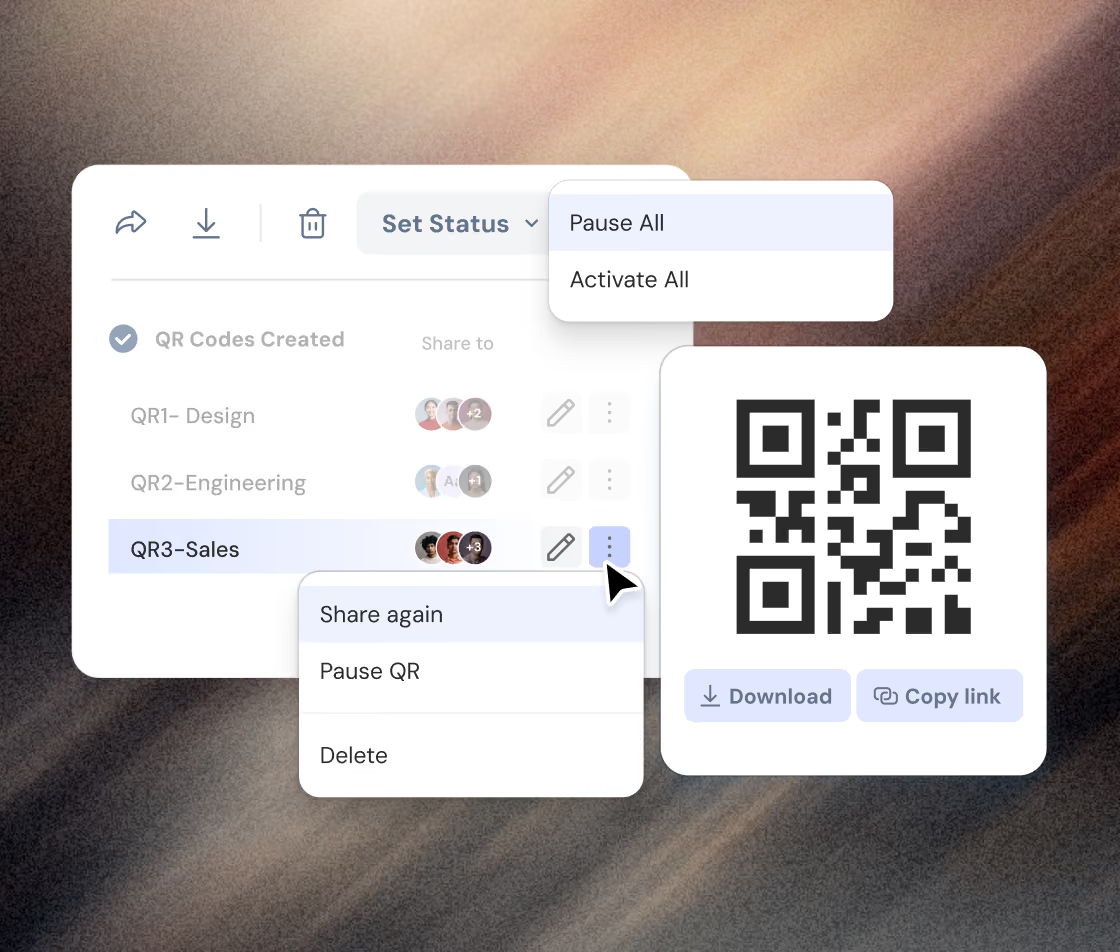
Simplify your management process using global actions
Boost operational efficiency with global actions such as share, pause/activate and delete QR Codes in bulk.
Download or copy the QR code link directly from the preview for easy access.
Resend QR Codes to distributors via email with ease.
Book a Demo
TESTIMONIAL
Our customers' wins are our wins too, from day one

Nitika Malik
Manager, Global Learning & Development, APL Logistics
I would recommend ThriveSparrow while standing on the top of a building. The platform's ease of use & outstanding customer service deliver exactly what every professional needs.
75%
increase in self-completed
evaluations



Lydia
HR Project Manager, Dyninno
ThriveSparrow brought structure and transparency to our processes, cut our manual work by almost 70% and improved the quality of feedback we receive.
70%
reduction in manual
HR work


Ramalingam Thiagarajan
Head Corporate HR, TVS Sensing Solutions
Before ThriveSparrow, our 360-degree feedback process was slow and exhausting. Now, it's smooth, saves weeks of effort, and gives us deep, actionable leadership insights.
96.8%
survey response rate


Jessica Downing
People & Culture, Uniting
I appreciate the support I've received from the ThriveSparrow team. The platform is easy to use, the automation saves me weeks of work, and the reporting is incredibly polished.
200+
360° reports delivered without manual work
evaluations


Becki Chetwood
Head of People and Culture, SysGroup
ThriveSparrow is simple, supportive, and fun. I love it. I'd give it a 9 out of 10. It's so easy to use, and the dashboards and engagement insights make such a difference.
85%
active adoption across
the business


The What, Why & How of QR code sharing
What ?
Make survey distribution a breeze, by allowing respondents to scan a code for instant access.
Why ?
Increase response rates by enabling quick access of surveys without the need of an email or laptop.
How ?
Create QR codes in bulk or individually with specific metrics for seamless analysis and tracking.
Got questions?
We're right here!
Will the tags be persistent across Surveys?
Tags created in one survey will be available for all QR codes within that survey but will not carry over to other surveys.
Can I use assigned tags and employee properties to analyze QR code survey results?
Yes, tags and employee properties assigned during setup help in categorizing and analyzing the survey data effectively.
How will the distributors receive the QR codes?
The distributors will receive an email containing the QR codes in PNG format.
Make everyday a success story for your people
Book a demo